Team project · UX case study
ChewChat
A language exchange app for university students. You find a local language buddy, practice speaking in live voice rooms, play AR games together, and post what you learn. A team of four designed it in my graduate program; I led the user research.
The app · The problem · Research · Brand · Testing
The ChewChat concept walkthrough.Watch on YouTube: youtube.com/shorts/ddUpyAzA9Wg
The project
What it is and what I did
A graduate project at Cal State Long Beach (HXDI, 2024), designed by a team of four. I led the user research and worked across the UX and the brand system. The app is one loop: set up a profile, find a local buddy, practice live, play together, and share what you learned.
The app
The five-step loop, through one user
Grace is 27, a graduate student from Hawaii whose first language is Hawaiian. She is learning English for academic and social success and struggles to find a platform that is natural, engaging, and affordable. ChewChat walks her through five steps.
Customize a profile with language goals and interests.
Match with native speakers or learners by shared goals, with location for local meetups.
Real-time conversation through voice channels and 1:1 chat.
Collaborate in AR Hunt challenges to practice communication and teamwork.
Post your learning journey and questions to the Chew social feed.

The Problem
Where current language apps fall short
Learners have plenty of apps, yet still freeze in a real exchange. Three gaps kept coming up.
Traditional apps focus on grammar and vocabulary, not the messiness of real-life conversation.
Learners lack tools to practice casual, spontaneous talk with real people.
Most language apps are paid or offer only limited free features.
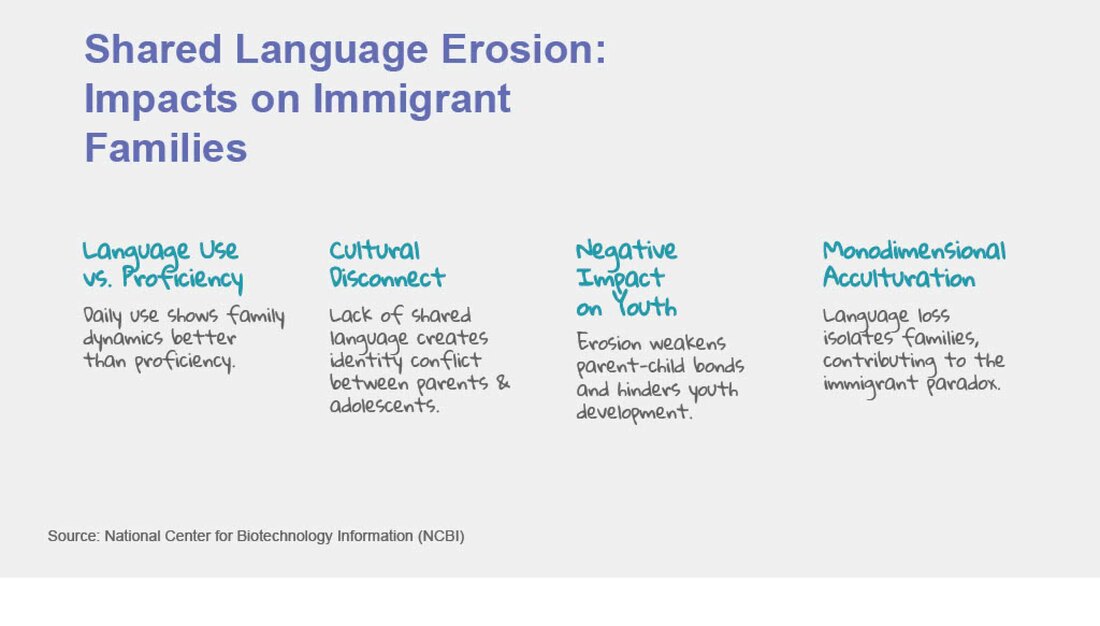
Underneath the app problem is a human one. Research on immigrant families shows how much everyday language carries: most family connection depends on casual language rather than formal proficiency, and shared-language erosion drives identity struggles, emotional strain, and isolation between generations.
Research
What the research found
We looked at national language data, reviewed five apps students already use (HelloTalk, Duolingo, Quizlet, Maum and Hinge), and gathered 27 survey responses and 4 in-depth interviews with international and domestic students at CSULB. Three findings shaped the product.
Users prefer gamified features and progress tracking to stay motivated over time.
They value live conversation with native speakers for authentic, real interaction.
Frustration rises when apps feel like dating platforms instead of learning tools.
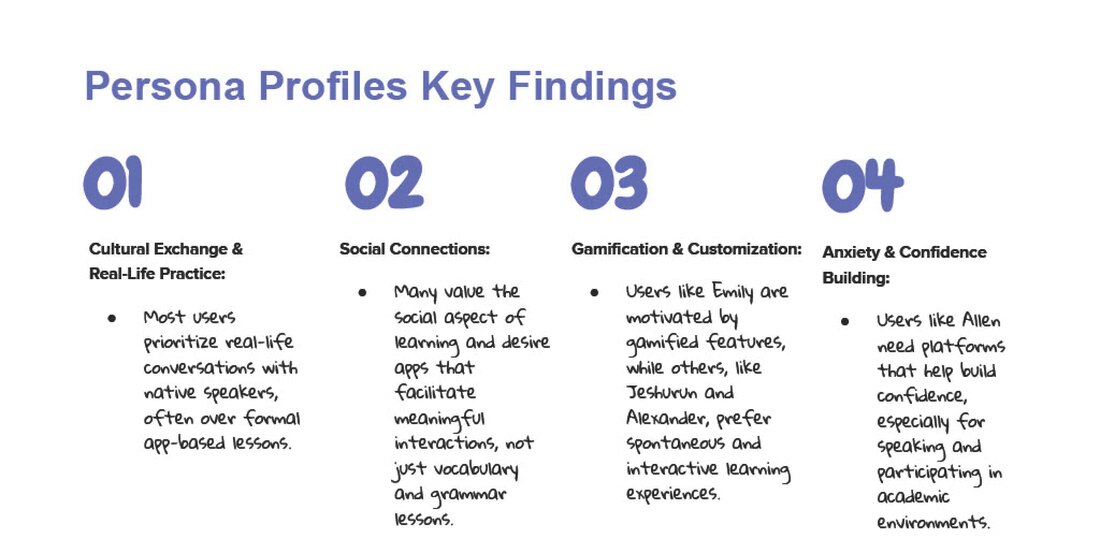
Four personas
The research turned into four personas: an international student who is not yet fluent, one who is fluent, and two domestic students. All four want a low-pressure way to actually talk.

Key findings

See the research slidesdata, competitors, survey, journey maps
Language data

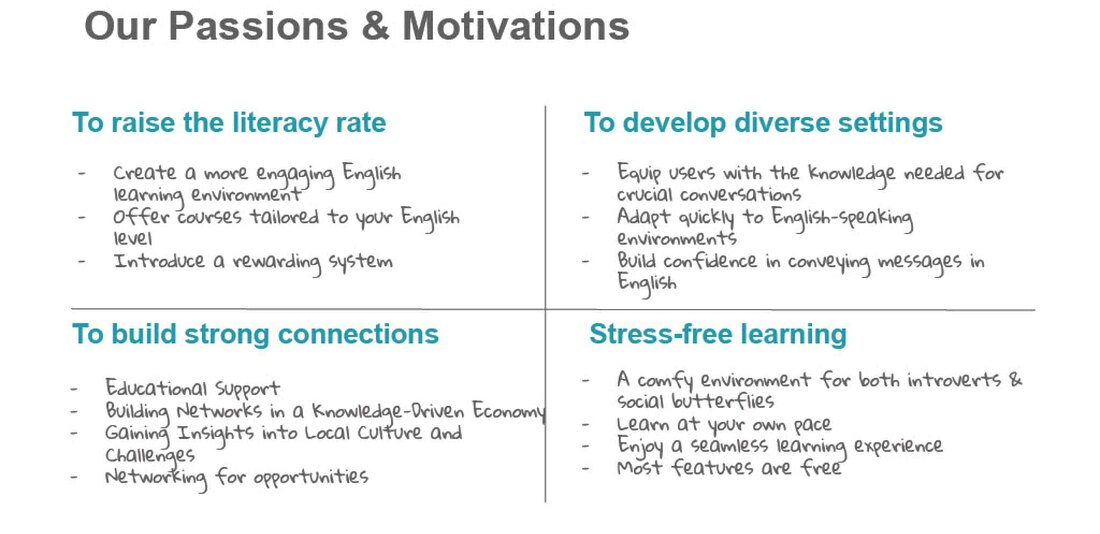
Our passions and motivations
Four commitments shaped the direction: raise the literacy rate, build strong connections, develop diverse settings for crucial conversations, and keep learning stress-free for introverts and social butterflies alike.
Competitor review
We reviewed the tools students already use, split across learning and social connection: HelloTalk, Duolingo, Quizlet, Maum, and Hinge. Each solves part of the problem and misses another, whether that is real interaction, a sense of true proficiency, or a safe, non-dating space to meet locals.

Survey results

Persona findings and journey maps


Problems for domestic and international students
We separated the specific problems facing domestic and international students from the common ones they share, from lack of real-life practice to pronunciation, sustaining motivation, and tracking progress.

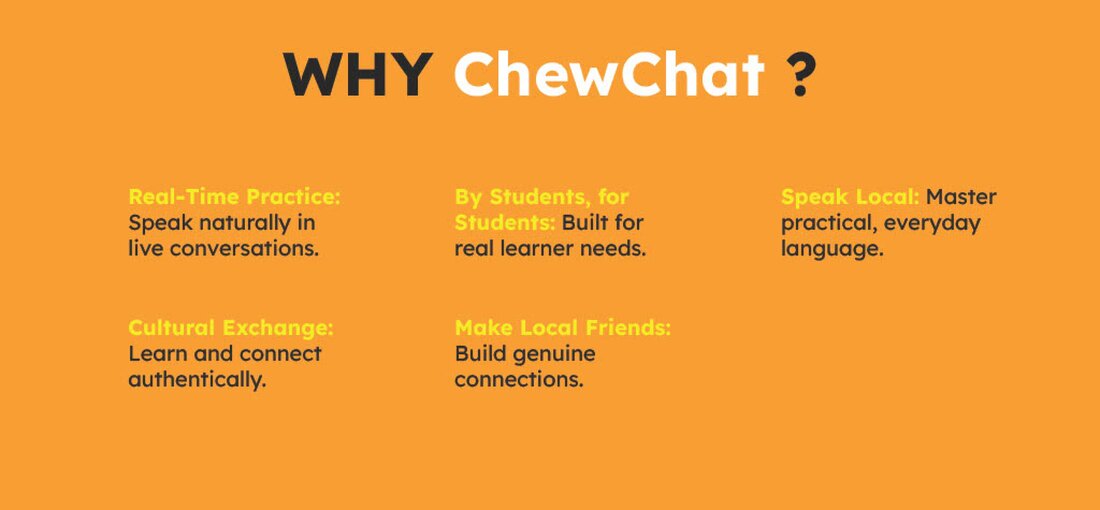
Why ChewChat
Brand System
Brand: warm yellow and two mascots
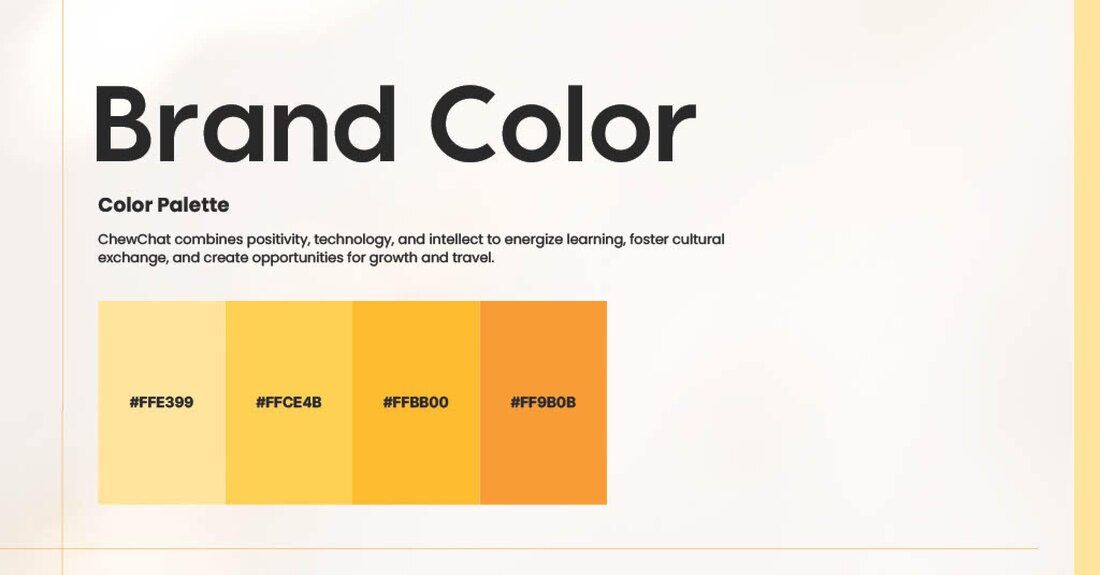
Speaking anxiety was the main barrier, so the brand had to feel friendly and safe: a warm yellow palette and two mascots.
Logo and characters
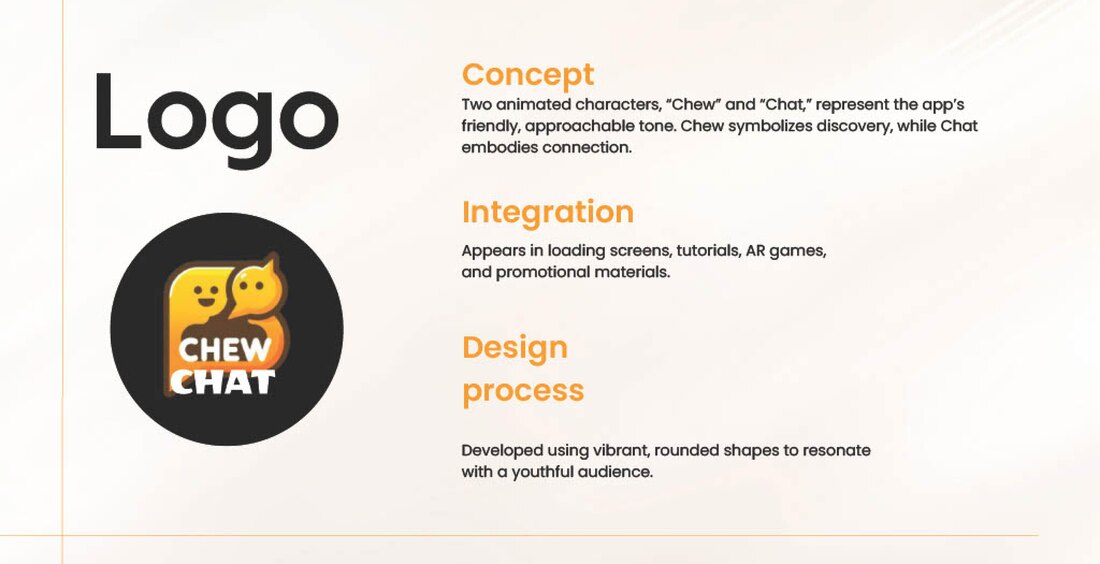
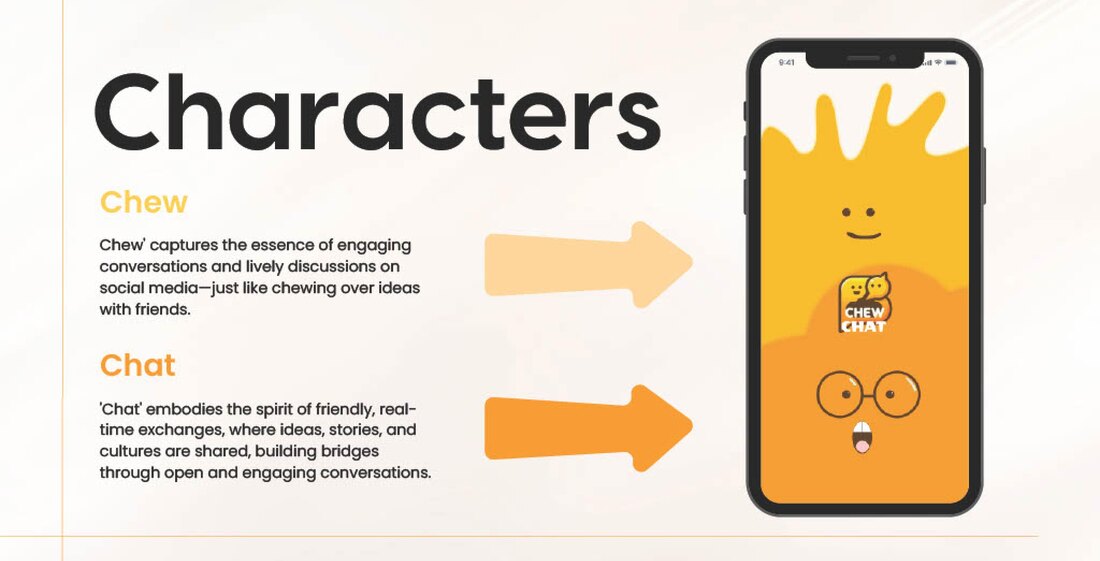
The name became two mascots. Chew stands for discovery and chewing over ideas; Chat stands for real-time connection. Together they carry the brand through loading screens, tutorials, AR games, and promotions.
Color and iconography

See the brand story, mood board and type3 slides

Mood board

Typography
Product
From architecture to prototype
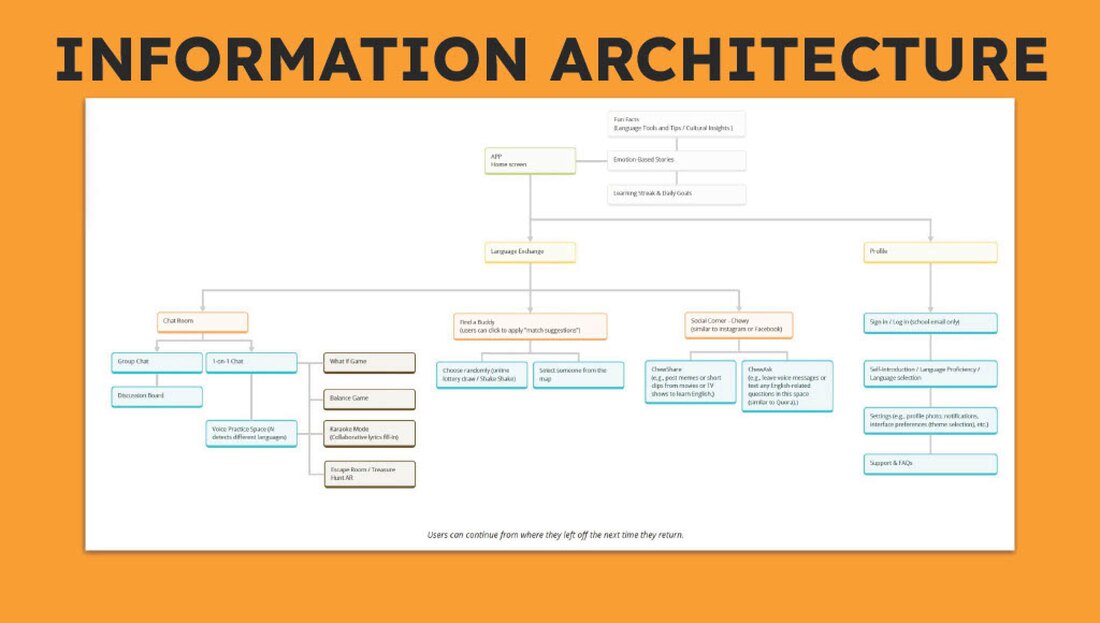
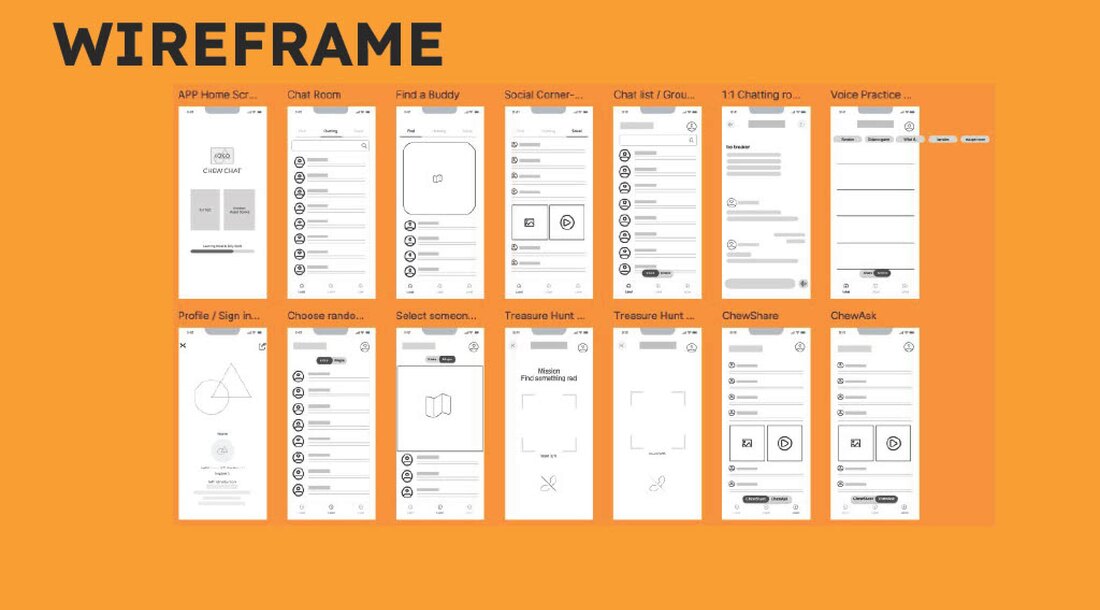
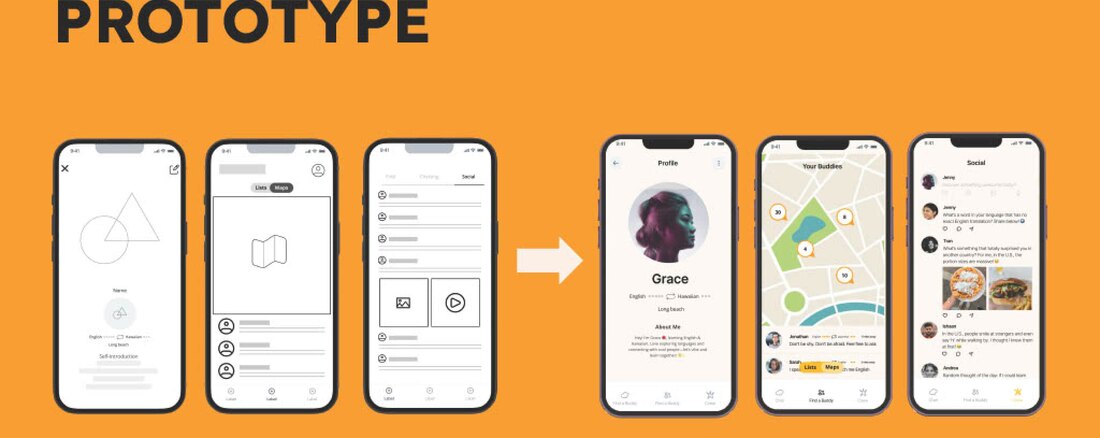
The structure grew straight out of the research: a clear information architecture, wireframes for every core flow, and a clickable prototype.
Usability Testing
What testing changed
We ran a usability test with a written plan, set tasks, and recruited participants, then turned the feedback into a prioritized list of fixes.
See the test plan1 slide

What worked
Intuitive layout with clear navigation.
Social-media-inspired rooms, like "Spill the Tea," landed well.
Voice practice and AR scavenger hunts were praised for teamwork.
Map-based matching was highly appreciated.
What we changed
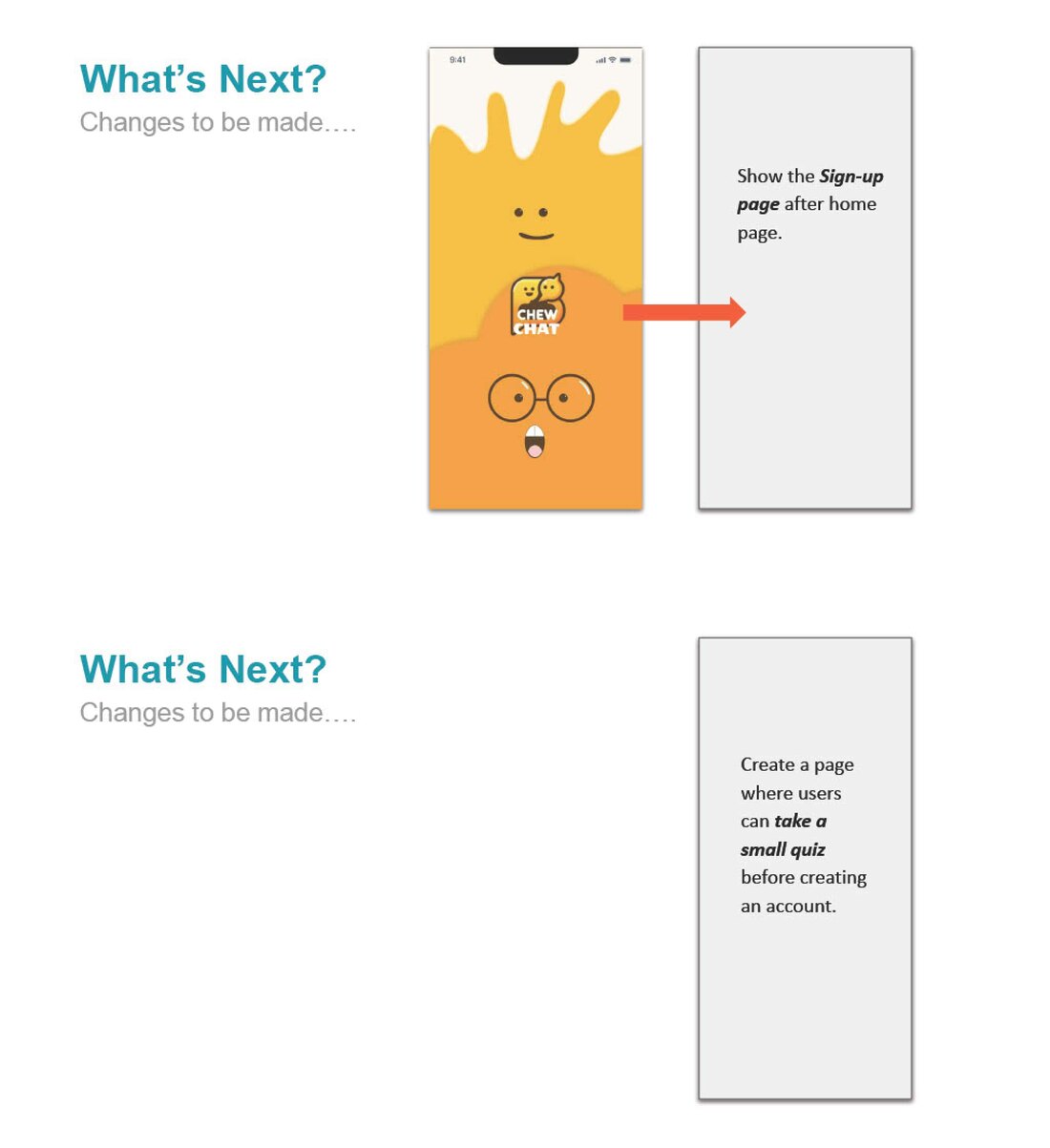
The key challenges were clear once we watched people use it: proficiency levels were confusing, voice-practice feedback lacked clarity, location sharing raised privacy concerns, and AR games needed to adapt to different environments. We reprioritized from there.

Clearer, two-color proficiency indicators.
Make the purpose and feedback of voice practice obvious.
A privacy mode for the map-based Find a Buddy feature.
Adapt AR scavenger hunts for diverse, global environments.
Before and after

Reflection
What I learned, and what I'd test next
Testing showed where the app still felt stressful: proficiency levels were confusing, voice-practice feedback was unclear, and sharing location raised privacy concerns. We answered with two-color proficiency levels, clearer voice feedback, and Ghost Mode for the map. Leading the research on a team, I learned to hand findings to the designers in a form they could build from. Next I would test whether the AR games and live voice rooms actually reduce speaking anxiety compared with a plain video call.
Next project
KindBite · Food-sharing app, solo project